Install the pocket companion on your ESP32-C3 board, straight from the browser.
Firmware version: loading…

1Pick your board

Two boards are supported. Both are ESP32-C3 boards with a USB-C port; the firmware is different, so check the photo before you install.

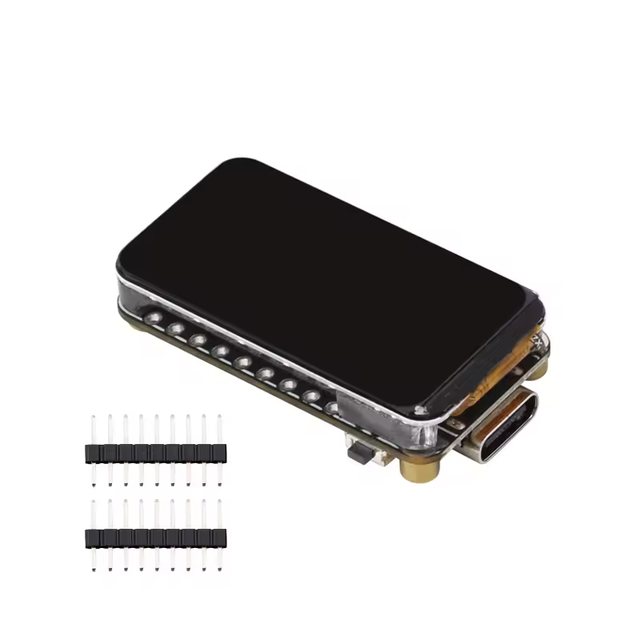
Rectangular screen Waveshare ESP32-C3-LCD-1.47: small black board with a rectangular 1.47-inch screen, a USB-C port at one end and two rows of pin headers

Waveshare ESP32-C3-LCD-1.47

Portrait screen, one button, motion sensor

Screen
1.47" ST7789, 180 × 320
Controls
BOOT button: short press = next, hold = confirm
Sensors
QMI8658 accelerometer + gyroscope (real steps, tilt and shake games)

How to recognise it: rectangular screen, black PCB with ESP32-C3-LCD-1.47 printed on the back, microSD slot, pin headers on both long sides.

Browser not supported (use Chrome or Edge on a computer). Needs HTTPS or localhost. firmware lcd147
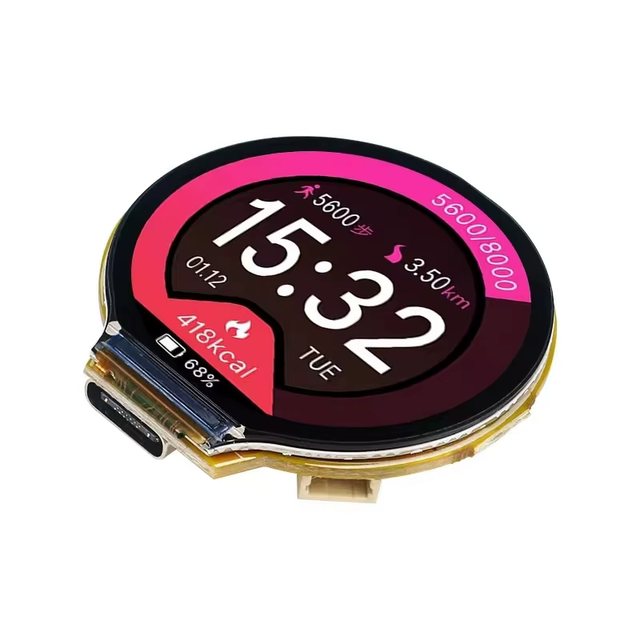
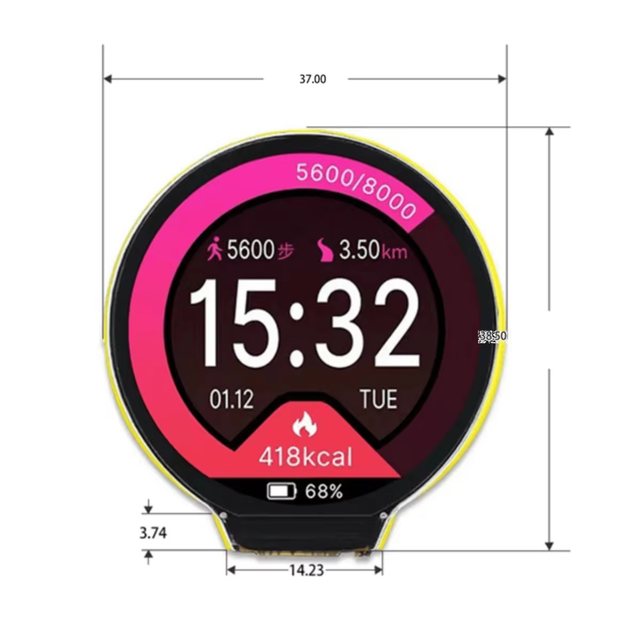
Round screen Round ESP32-C3 board with a 1.28-inch circular screen, seen at an angle, USB-C port on the edge

ESP32-C3 1.28" round (GC9A01)

Round touch screen

Screen
1.28" GC9A01, 240 × 240 round
Controls
CST816 touch screen
Sensors
None built in: optional MPU6050 / QMI8658 on the I2C pins, or simulated steps

How to recognise it: circular screen, yellow PCB with an ESP32-C3-MINI-1U module, BOOT and RESET buttons on the back, sold with or without a black case. Pick the touch version.

Browser not supported (use Chrome or Edge on a computer). Needs HTTPS or localhost. firmware pockettrainer
Already playing? Updating keeps your Pokémon and progress. The installer may offer to erase the device: only tick it for a fresh start, because it deletes the save. If a Pokémon from Crystal is on the device, send it back to Crystal first.

2Flash it

  1. Plug the board into your computer

    Use a USB-C cable that carries data (some charging-only cables do not). No driver is needed: the ESP32-C3 has USB built in.

  2. Click “Install on this board”

    Under the photo of your board. The browser lists the serial ports.

  3. Choose the port

    It is called USB JTAG/serial debug unit (on macOS cu.usbmodem…, on Windows COM…, on Linux ttyACM…). Click Connect.

  4. Install and wait

    Confirm, then wait about 30 seconds without unplugging. The board restarts on its own when it is done.

3If the port does not show up

Put the board in download mode by hand, then click Install again.

Back of the Waveshare ESP32-C3-LCD-1.47 showing the USB-C port and the two small buttons near the edge

ESP32-C3-LCD-1.47

  1. Unplug the board.
  2. Hold the BOOT button.
  3. Plug the cable back in, then release BOOT.
  4. After flashing, unplug and replug to start the firmware.
Back of the round board with labels: ESP32-C3-MINI-1U module, REST and BOOT buttons at the top, USB Type-C at the bottom

Round 1.28"

  1. Keep it plugged in.
  2. Hold BOOT, press and release REST (reset).
  3. Release BOOT.
  4. After flashing, press REST once to start the firmware.

Still nothing? Try another cable or USB port, close any other program using the port (Arduino IDE, PlatformIO monitor, Cura…), and on Linux add yourself to the dialout group.

4First start

Get a companion

  • From Crystal: deposit a Pokémon in the Link tab, using the device number shown on screen.
  • Demo: choose Demo to play with an original creature without Crystal.
  • WiFi: choose WiFi, scan the QR code with your phone (or join PocketTrainer-XXXX) and open 192.168.4.1.

Controls

LCD 1.47Round 1.28"
MoveShort pressTap the item
ConfirmHold ~½ sTap the item
PetTap the button or rock the boardRub the Pokémon
Flip screenHold it upside down—